
 Nederlands
 Deutsch

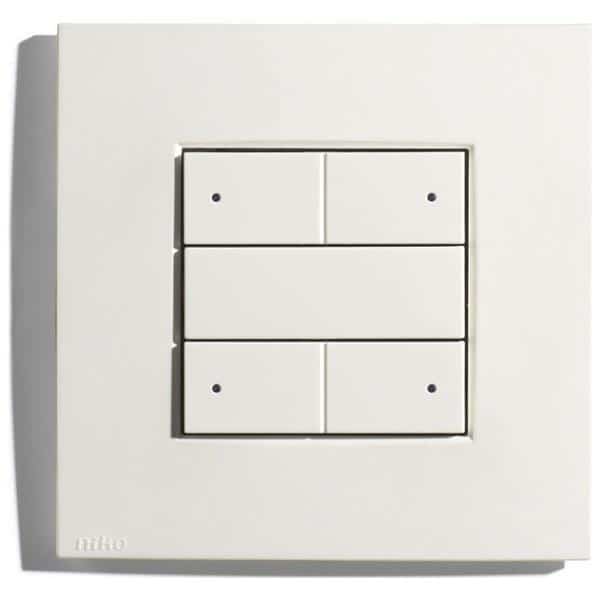
4-Button Thermostat Switch, Niko
BrandQbus
Price range: €128.50 through €150.34
In stock
Delivery time between: 28, November 2026 - 01, December 2026
Free shippingfrom €200 (Belgium)
Pickup point 24/7Temse, Belgium
Original productsOfficial distributors only
Expert advicePersonal service
Secure paymentMollie
Fast deliveryBpost / DPD
Product description
QBUS 4-Button Thermostat Switch:
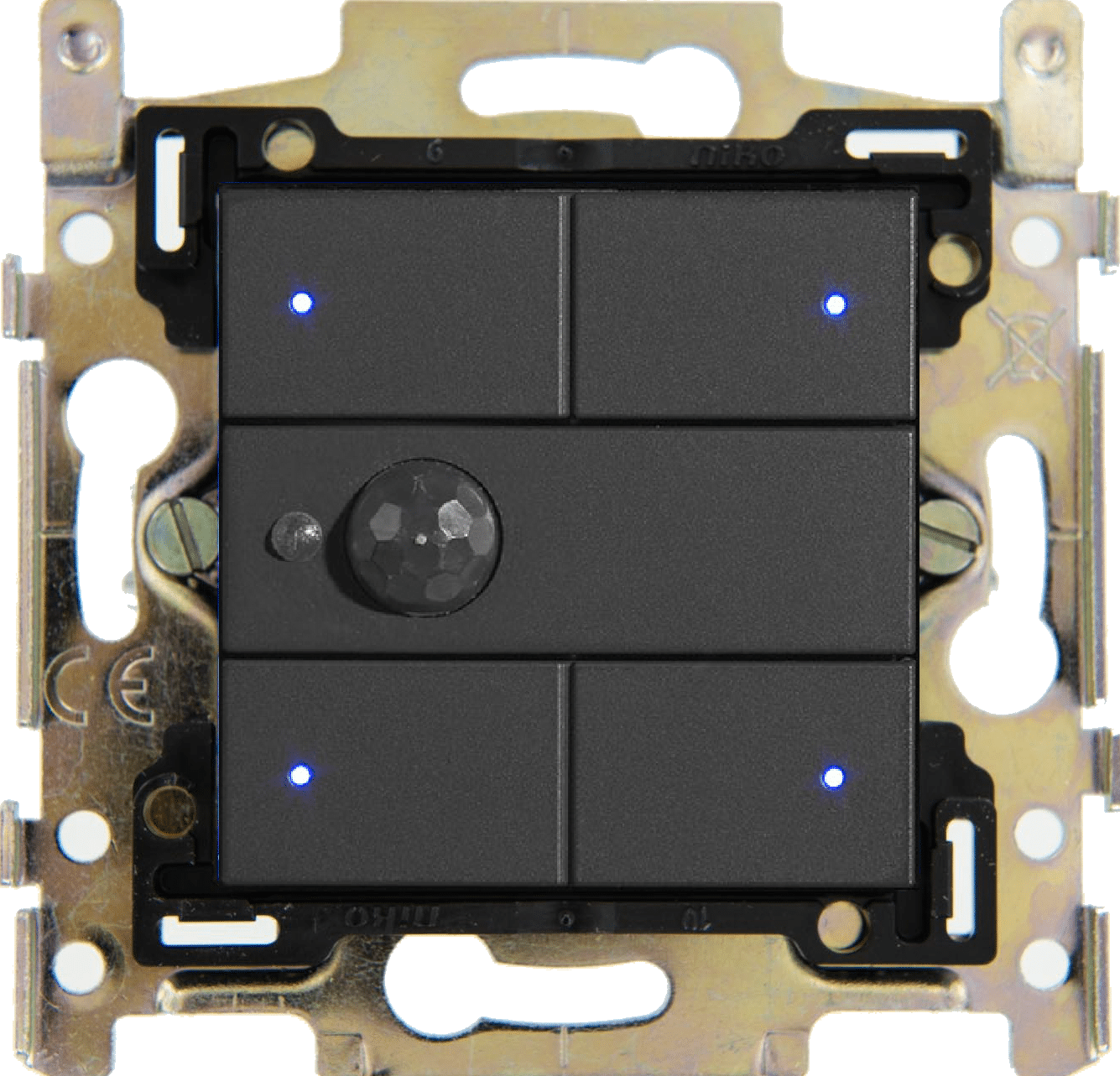
The Qbus circuit board is located behind the Niko push buttons. Easy to connect to the Qbus bus.
All push buttons have adjustable colour LEDs. This version also features a built-in temperature sensor.
The convenient second page allows you to control a total of 8 outputs with one 4-button switch.
DESCRIPTION:
4-Button Thermostat Switch, Niko White 101 RGB
Bus system EIB/KNX: No
Bus system KNX radio frequency: No
Radio-frequency bus system: No
LON bus system: No
Powerline bus system: No
Bidirectional radio frequency: No
Number of control points: 4
Product Description:
QBUS 4-Button Thermostat Switch:
This module contains a motion detector and an
integrated light sensor. The motion detector has a
diameter of just 9 mm and is located between
push buttons 1 and 2. Its range is approximately 7 metres at an
angle of 110 degrees. The light sensor is located next to the detector.
The output controlled by the motion detector is
automatically linked to the output of push button 1.
Niko® SWC04M/100 Cream Niko® SWC04M/101 White
Niko® SWC04M/121 Sterling Niko® SWC04M/122 Anthracite
Using the Qbus Configuration Software (System Manager),
the priority between the motion detector and a
push button that both control the same output can be
determined. The output linked to the
motion detector must be set to TIMER 5
detector mode; the push button must be set to TIMER 5 Manual
mode. More information about this can be found in the Qbus
User Manual. The Qbus software can be used
to configure the relevant output so that it is only
switched on when a certain light level or a
certain amount of movement, or a combination of
both, is reached.
Product data sheet
Product data sheetView the official manufacturer documentation.Open PDF
Add a review
 4-Button Thermostat Switch, Niko
Your review
* Review is required
Name
* Name is required
Email
* Email is required
Add photos or video to your review


Reviews
There are no reviews yet